Sort Your Emotes
Lauren walks through how you can sort your emotes in any order you want!

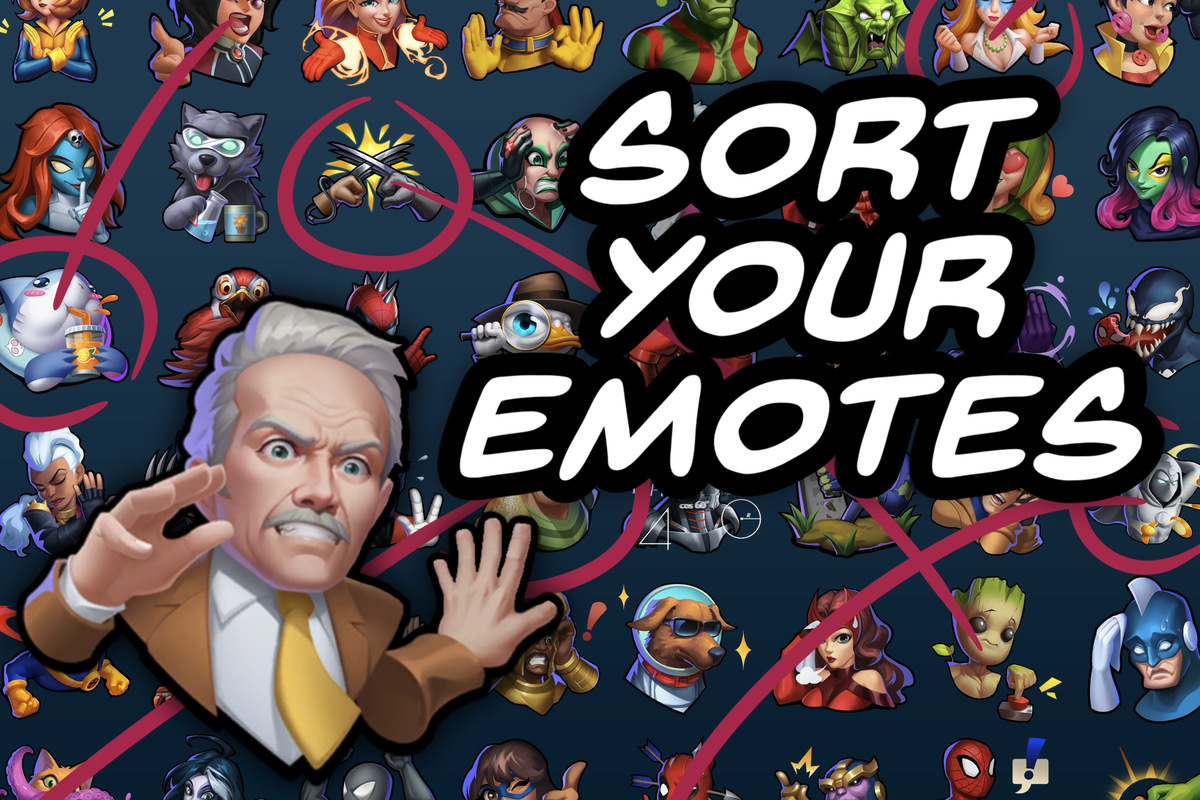
It’s Turn 3. My opponent has played Magik and, well… so have I. They're quick on the draw—bam!—Spidey Point. I want to respond in kind, but I have several pages of emotes to swipe through.
Maybe my opponent doesn’t feel my delay, but I do.
The Problem
While I’ll admit that story is slightly exaggerated, it does represent a real problem I experience in Snap.
I have four pages full of emotes – and I've seen players with twice as many. My favorite emotes are spread throughout. I've longed for a quality-of-life update that lets me sort my them. I want my most-used emotes altogether on the first page.


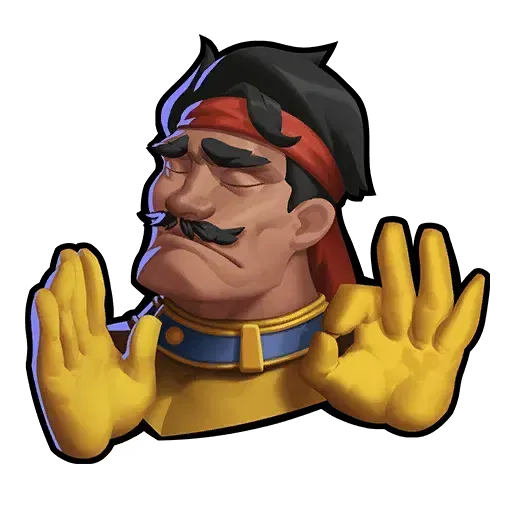
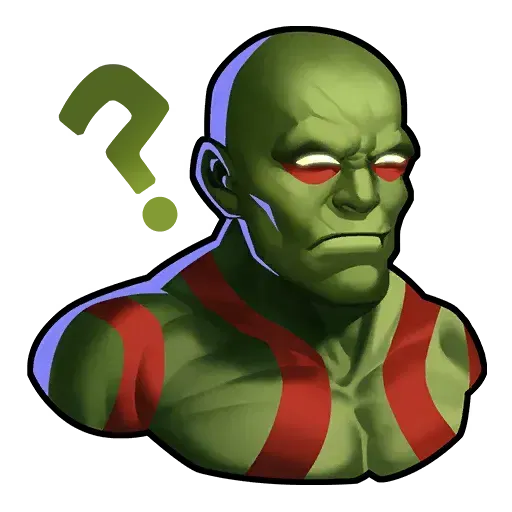
It turns out… Marvel Snap already lets you manually sort your emotes.
I did it by accident the first time (I bet you've done it, too). Through lots of experimentation, I’ve figured it out. This guide will show you how to sort your emotes in any order you want!
Sort It Out
The sort order is simple: emotes are sorted based on when you last equipped them.
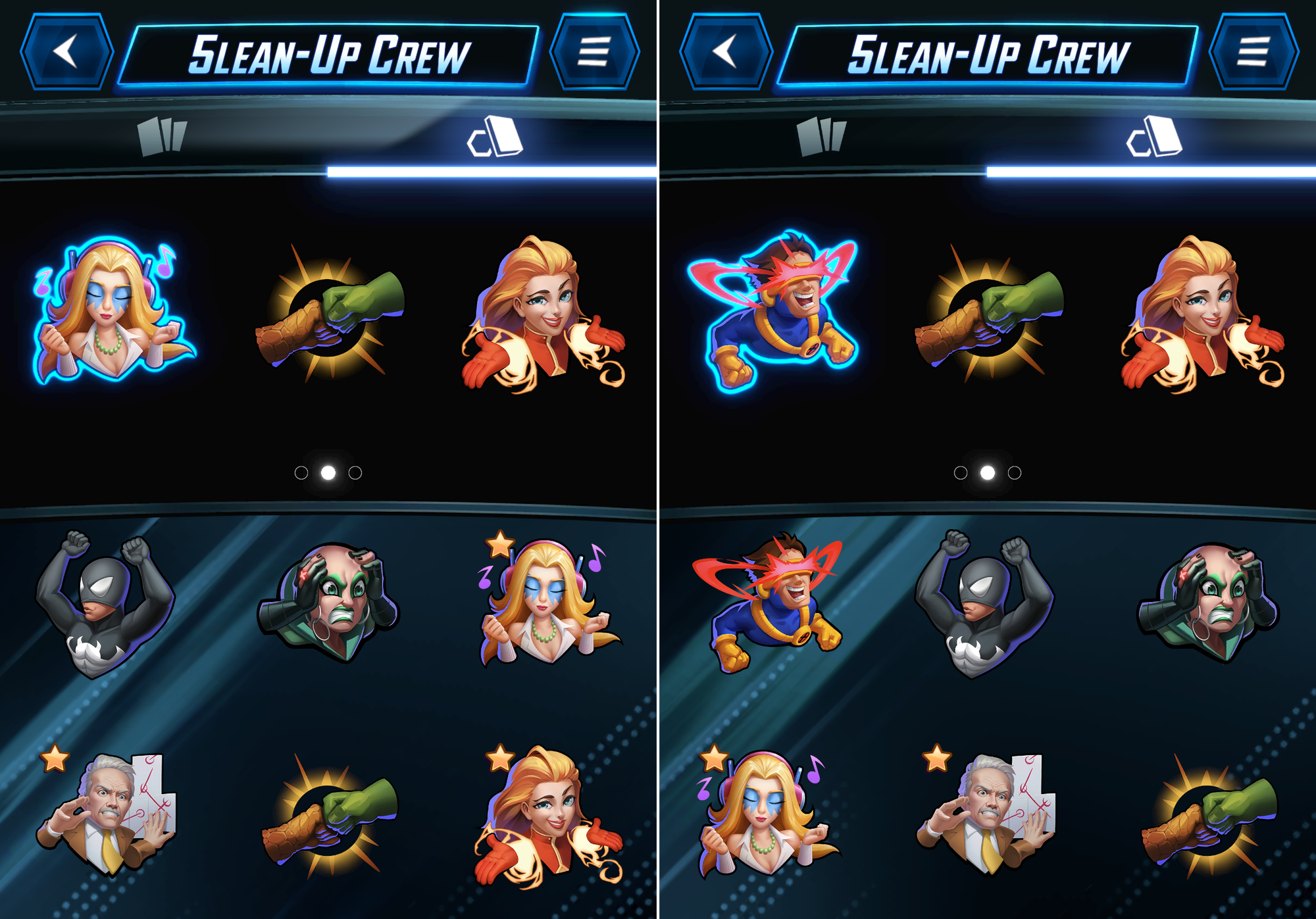
I equipped Cyclops, and he shot right up to the top of the list. This works whether you use "Equip to All" or "Equip". For the rest of this article, I'm going to call this screen the "Emote Collection".
There's one gotcha that made this tricky to discover: while the Emote Collection updates right away, the sort order in matches won't update until you restart the game.
New emotes automatically get added to the start of the list, as if you had just equipped them. If you are like me and fire off emotes with muscle memory, you've probably experienced that awkward moment when a new emote causes you to send the wrong one!
Starred Emotes
You can mark any emote as a Favorite. This will be indicated with a star (as seen with Dazzler, Mobius, Captain Marvel, and Ice Man below).
On the Emote Collection screen, emotes are only sorted by the order you last equipped them. In a match, it's a little more complicated. Your equipped emotes are only listed once, at the top of the first page. After your equipped emotes, your favorites will be listed above the rest.
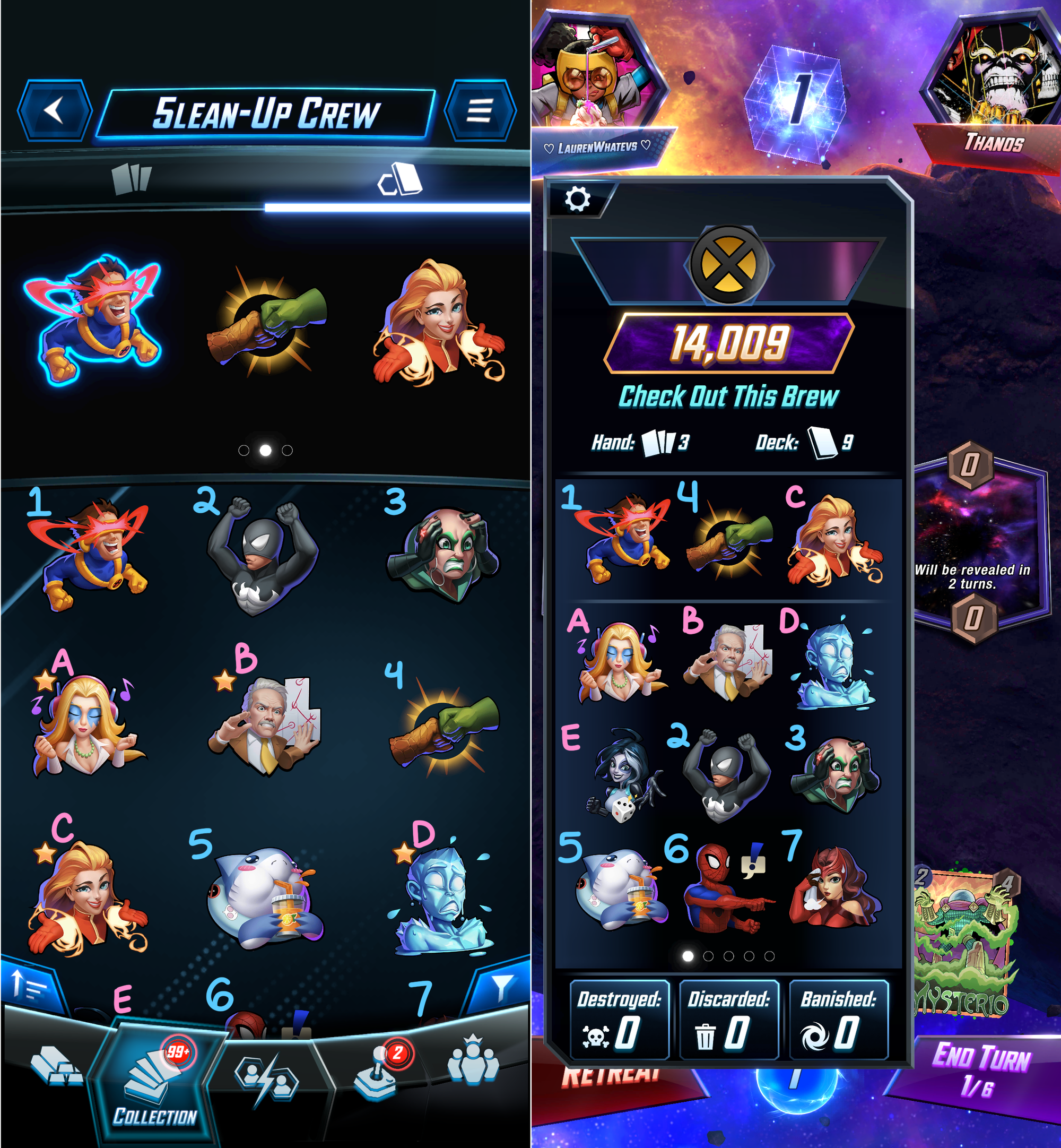
Your emotes will still be sorted, just in two separate groups. Note how the favorites (pink) still appear in order among themselves (A, B, D, E). Ditto for the others (blue – 2, 3, 5, 6, 7). The equipped emotes (1, 4, C) are pulled to the top.
Equipped Emotes
You have explicit control of the top three emotes, per deck. When you create a new deck, your equipped slots are populated with random favorites.
Here's how nine new decks were set up with five favorites emotes.
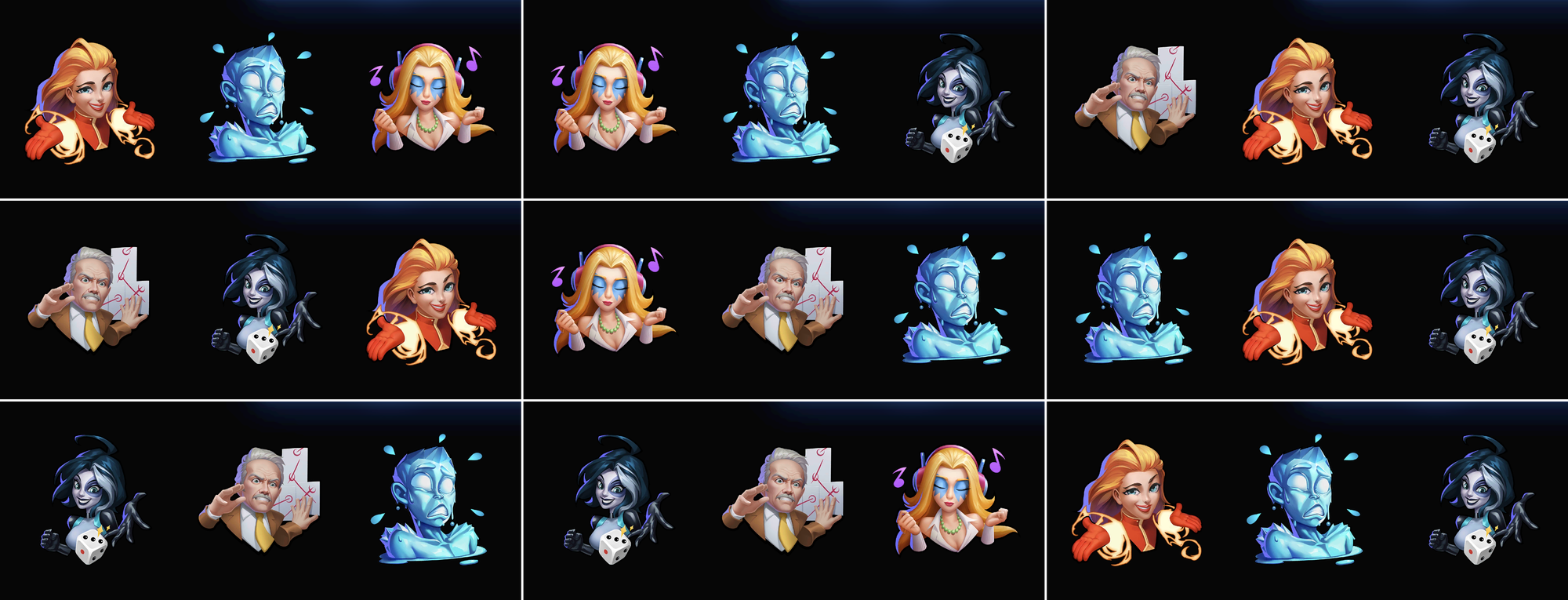
If you have fewer than three emotes favorited, the rest of the equipped slots will be filled with non-favorites in the order they were last equipped. In other words, if you have no favorites (or just one), the equipped emotes will always be the same three emotes in the same order.
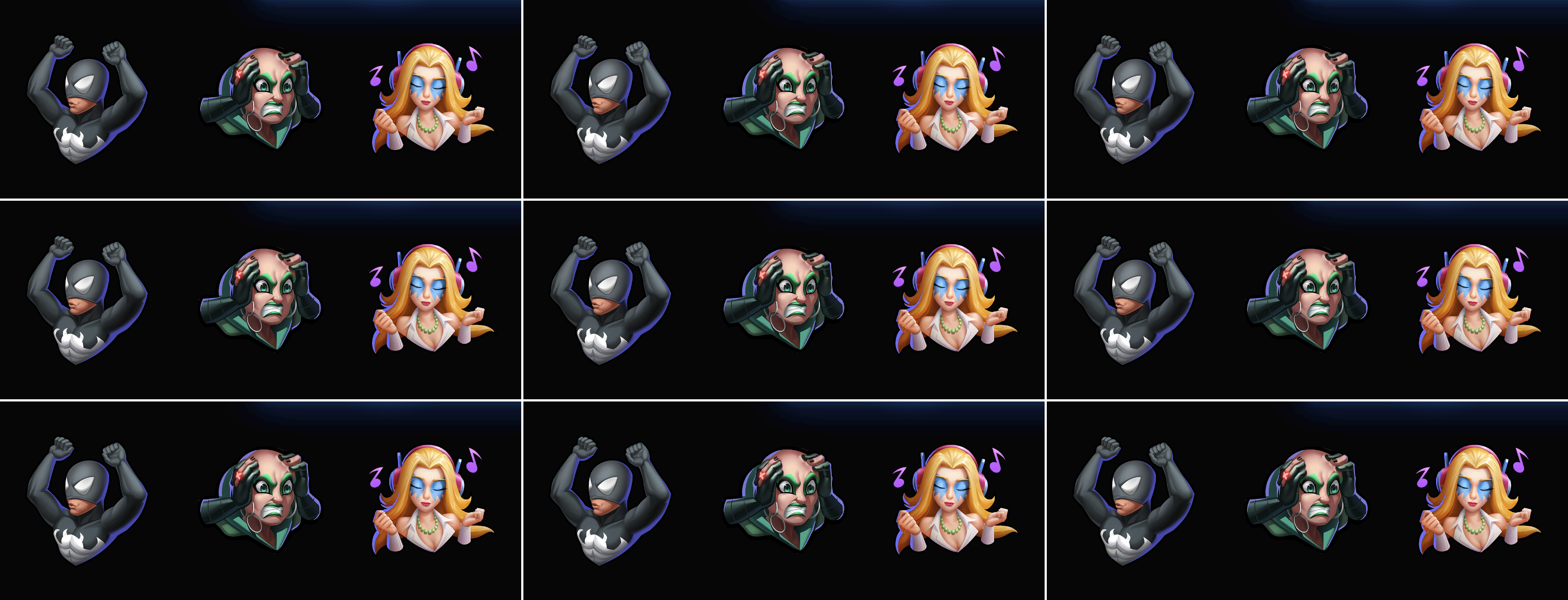
Reverse Chronological Set Up
If you want full control, I personally think it's best to have zero favorites. That'll ensure every new deck gets the same three emotes equipped by default. Of course, you should feel free to manage your emotes however is right for you. Surely there’s somebody out there who enjoys having different emotes equipped for each deck.
Because the sort order goes from last-equipped to first-equipped, you have to equip emotes in the opposite order you want them sorted. I'd suggest planning it out. Then you can equip each emote on your list, from bottom to top. Make sure the last three you equip are the ones you want to stay equipped!
You do not need to sort every emote to make this useful.
To match the six emotes shown at the start of the article, I equipped them one-by-one, in reverse order: Drax, Forge, Fenris, Heimdall, Mobius, Dazzler.
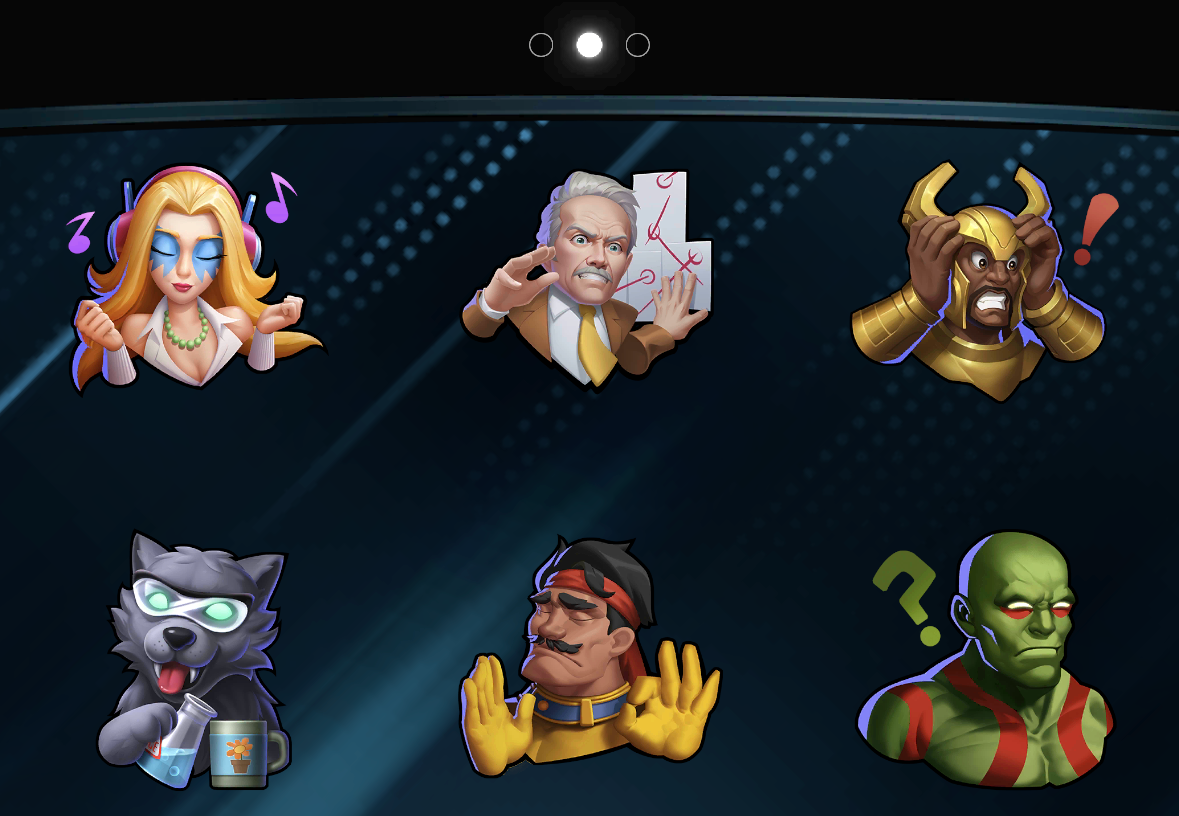
Reminder that I'd have to restart the game to make this new order actually apply mid-match.
Maintaining Order
New emotes will be added to the top of your collection, messing up your precious order! Fortunately, this is easier to fix the second time.
Let's say I just unlocked Moondragon. If I wanted to restore order, I'd just click on each of the emotes in the same order as before: Drax, Forge, Fenris, Heimdall, Mobius, Dazzler.
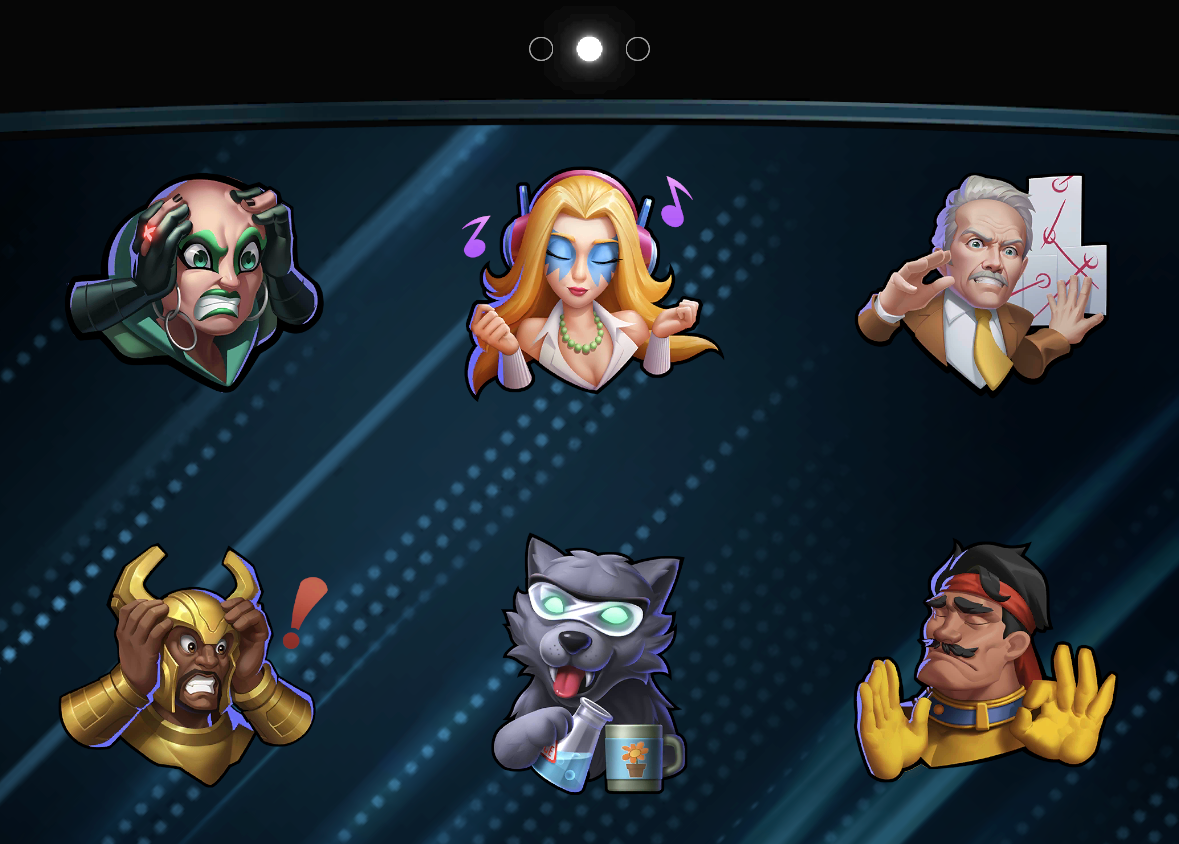
This is easier the second time because you don't need to search for the emotes you're looking for – they’ve been organized (and they look great)! Also, it works out so that the next emote you need to equip will always appear in the same position, at the end of your sorted emotes.
It's also easy to integrate a new emote into the middle of your sort order! Let's say I actually wanted to put Moondragon in position six, between Forge and Drax.
I only need to re-equip the emotes I want above Moondragon. So I'll equip: Forge, Fenris, Heimdall, Mobius, Dazzler.
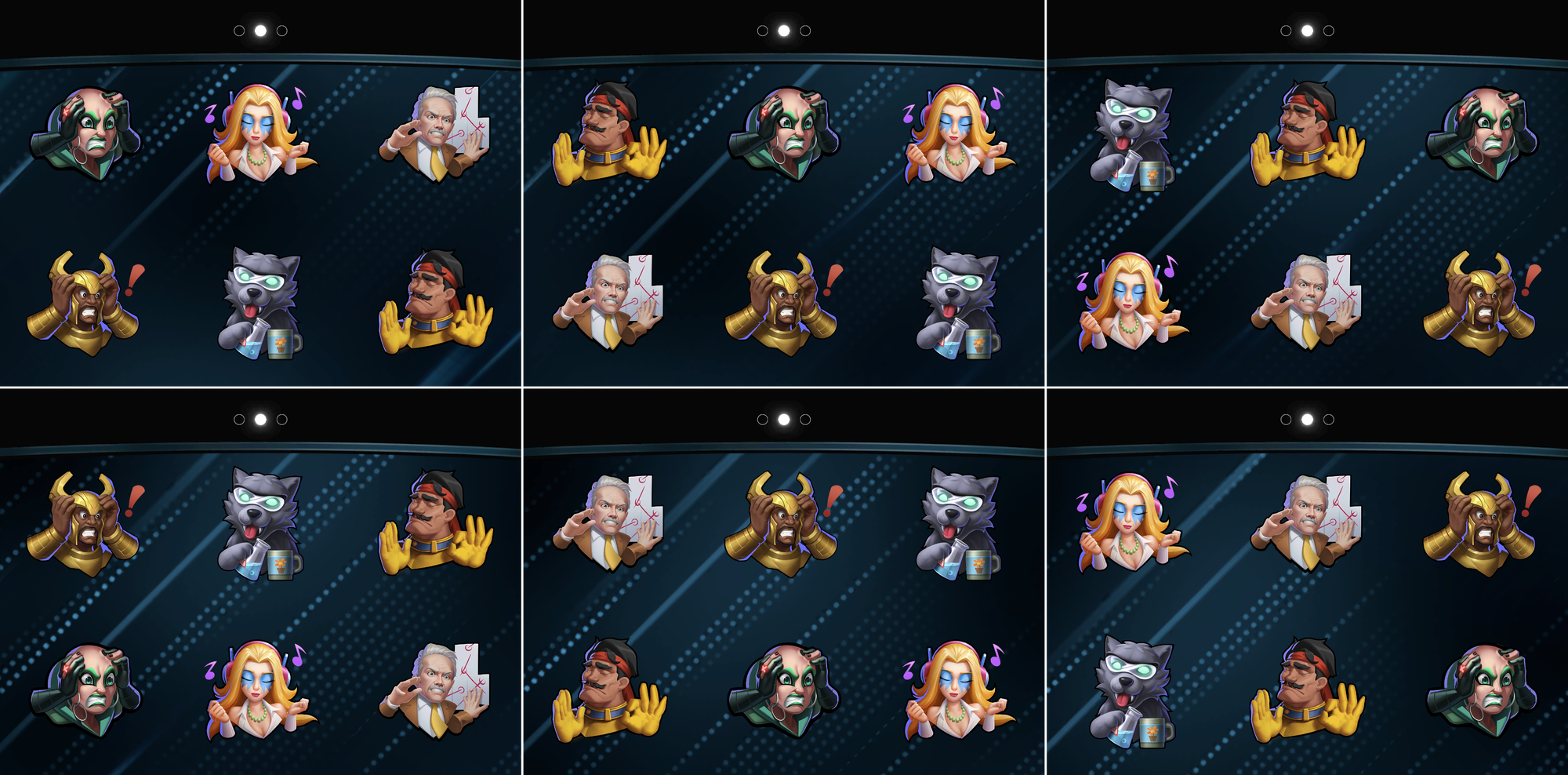
Order is restored! (See how the next one to equip stays in the bottom right corner the whole time?)
Bubble Limitation
There is one glaring limitation to emote sorting: the text emotes will always be at the end of the list. At least you know right where they are, but I do wish SD would add a way to jump between the first and last page. Maybe they should wrap?
Conclusion
Well, my own Emote Collection is an absolute mess from researching and writing this. I'm off to finally sort them for myself. I can tell you one thing for sure — no more delayed Spidey Points from me!
Please feel free to ask me on Twitter, BlueSky, or Discord (@LaurenWhatevs) if you have any questions!